The shop should run the same on your day off.
Stokk's Tasks module puts opening checklists, recurring jobs and one-off assignments on the floor's own screens, with photo proof where it matters. Recurring tasks appear on schedule by themselves, and some tasks Stokk creates for you: a price change becomes a re-labelling job on its own.
Sits on top of your ERP. Reads stock, writes transactions, never duplicates the source of truth.




Verbal instructions evaporate. The same five things get forgotten every week.
Every store runs on a list that lives in someone's head. When that someone is off, the display doesn't get reset, the delivery sits unpacked, and nobody can say whether closing was done properly. A checklist only works if it shows up by itself and someone can see it was done.
- Opening and closing checklists, per store
- Recurring tasks appear on schedule, nobody has to create them
- One-off jobs assigned to a person or the whole store team, with due dates
- Photo proof on the tasks that need it
- One manager view across every store
Capabilities, in plain language.
Opening and closing
A checklist for the start and end of every day, per store. The morning list is waiting when the first person unlocks the door.
Recurring, on autopilot
Weekly display resets, monthly safety walks, daily routines. Set the schedule once and each occurrence creates itself on time.
Assigned, with due dates
Give a job to one person or to the whole store team. A due date turns 'sometime' into 'by Thursday'.
Photo proof
Mark a task as needing a photo. The display reset comes back as a picture, not a promise.
Manager view across stores
One screen shows every store's completion for the day, overdue tasks first. No calling around, no chasing.
Tasks that create themselves
Operational events in Stokk become tasks. A price change turns into a re-labelling worklist for exactly the stores it touches.
Set the schedule once. Watch it get done.
Recurring tasks appear by themselves, and one screen shows every store's day.
Recurring tasks create themselves on schedule. Nobody has to remember to make the list.
What the first full cycle changes.
Ordering on a per-store forecast instead of gut means the A-items stop running dry first.
Buyers stop building proposals from scratch. The brief lands; they review and approve.
Per-store sizing and lateral transfers free cash that was sitting on a pallet.
Continuous counts replace the once-a-year shutdown count.
What the operating model changes, stated directionally rather than as audited figures. Impact varies with category mix, lead-time variability and data quality.
A to-do list that writes itself.
Tasks lives inside the platform that runs your prices, products and stock, so operational events create the work. A price change becomes a re-labelling worklist for the stores and shelves it touches. Nobody had to notice, nobody had to type it in.
That’s the direction the module keeps moving: less typing tasks in, more of the list writing itself from what’s actually happening in the business.
How AI gets used here
Decisions stay explainable. Every recommendation has a written reason and a human approval step. Your data isn't used to train shared models. Claude's prompts are scoped per request.
Plays nicely with the systems you already pay for.
Common questions about this module.
How do recurring tasks work?
You set the schedule once: daily, weekly, monthly, whatever the job needs. Stokk creates each occurrence on time. Nobody has to remember to make the Monday list on Monday.
Can I see all stores at once?
Yes. The manager view shows completion per store per day, with overdue tasks surfaced first.
What is photo proof?
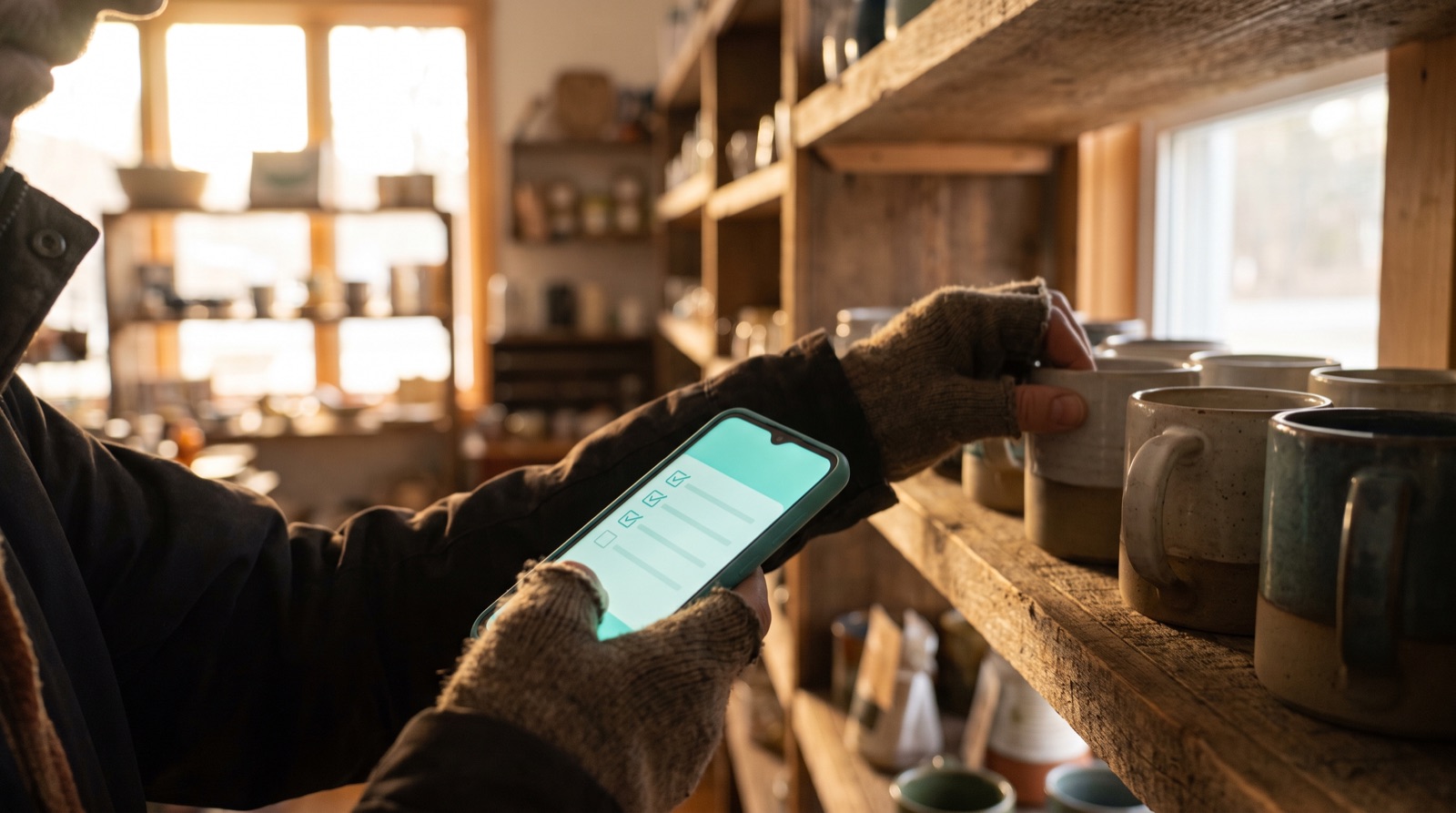
Any task can require a photo to complete. Staff snap it on their phone as they finish, and it's attached to the task for the manager to see.
What creates tasks automatically?
Operational events in Stokk. Today that includes price changes, which become a re-labelling worklist for the affected stores. More events are being wired in.
Other parts of the operating system.
See Tasks live in 20 minutes.
A demo on a working sample, then we map it to your ERP, your SKUs and your stores. Your own data comes in onboarding. You decide if it earns its place in your operating system.