

A till wherever you need one. In minutes.
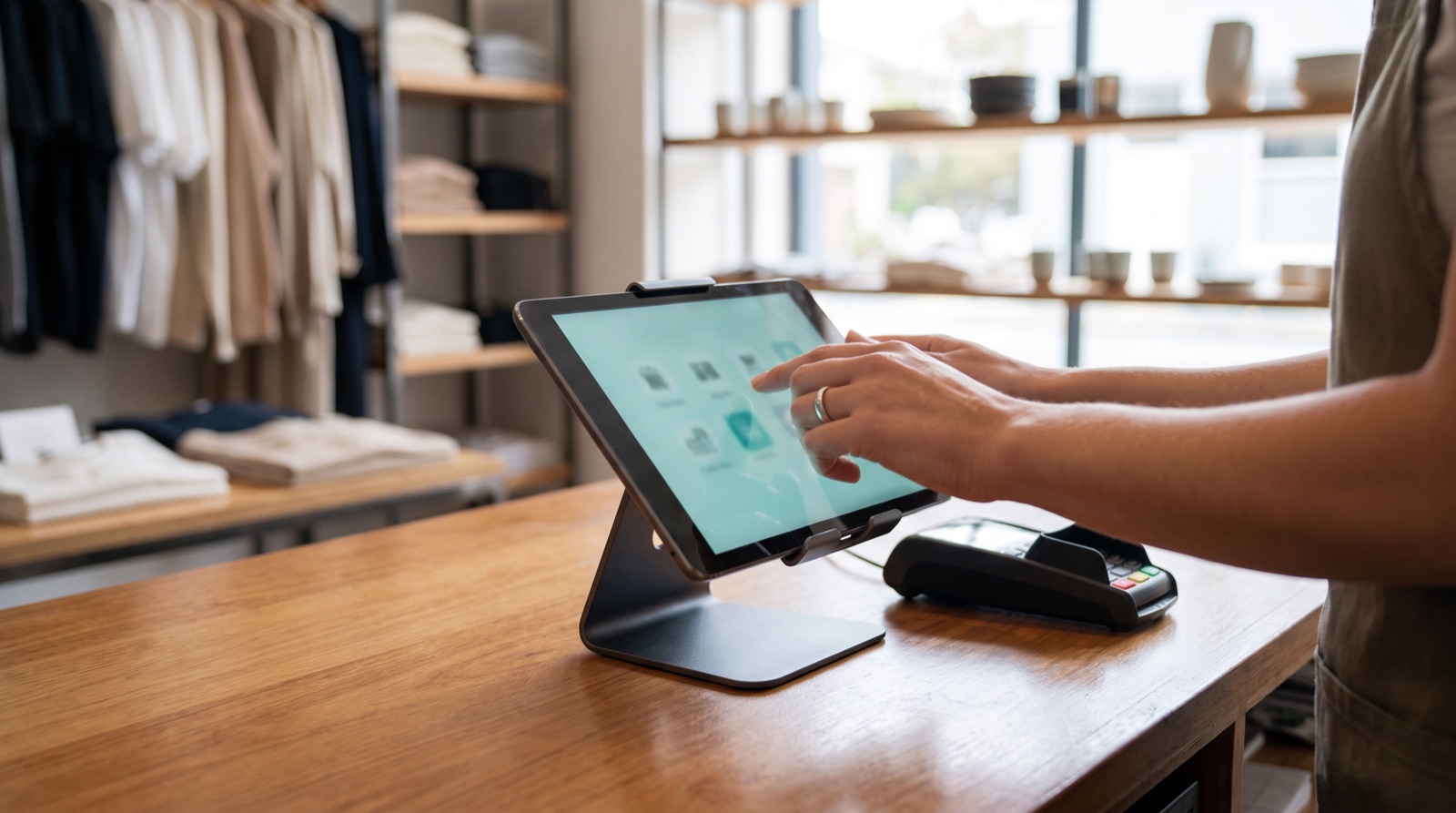
The pop-up, the Saturday queue, direct sales from the warehouse: Stokk opens a till full screen in the browser on any iPad, laptop or handheld. Cash, card, split or store credit, every sale posted as an invoice to your ERP. Keep your main POS; some small shops run Stokk as their only till, but it doesn't have to replace anything to pay off.
Sits on top of your ERP. Reads stock, writes transactions, never duplicates the source of truth.




Every place you can't justify a till is a sale you don't make.
Conventional tills mean licences and hardware per register, so the pop-up runs on a card reader and a notebook, the overflow queue walks out, and warehouse sales get scribbled down for later. Stokk makes a till free to open anywhere you already have a screen, on the same stock truth as everything else. It isn't a full-fledged POS replacement yet, and it doesn't try to be: it's the till for everywhere your main one isn't.
- Runs in the browser: iPad, laptop or handheld, no till hardware lock-in
- Open an extra till in minutes when the queue builds
- Every sale posts as an invoice to your ERP
- If the ERP is down, sales queue and post when it's back
- Sales feed stock, forecasts and replenishment immediately
Capabilities, in plain language.
Any screen is a till
Full-screen mode in the browser on an iPad, a laptop or a handheld. A pop-up location or an overflow till costs nothing extra to open.
Scan from anywhere
Staff scan a barcode from any screen state, no field to click first. The item is on the sale before the customer has put it down.
Cash, card, split, store credit
Split a payment across tenders, take store credit, or charge to account for invoiced customers. Each tender maps to a payment method in your ERP.
Discounts, including standing ones
Line and total discounts at the till, and a customer's standing discount applied automatically the moment they're on the sale.
Returns, exchanges, parked sales
Handle a return or an exchange without leaving the till. Park a sale mid-way and recall it later, on any till in the store.
Sales queue if the ERP is down
Every sale posts as an invoice to your ERP. If the connection drops, sales queue on the till and post automatically when it's back.
Split a payment. Survive an outage.
Tenders combine on one sale, and the till keeps selling when the ERP connection drops.
- Card · terminal€50.00Approved
- Cash€20.00Taken
- Store credit€16.50Applied
Keep selling. Receipts still print, sales queue on the till and post when the connection is back.
- POS-221414:09€42.90Queued
- POS-221514:13€128.00Queued
- POS-221614:21€19.50Queued
Connection restored 14:32 · queued sales post as invoices automatically, in order.
What the first full cycle changes.
Ordering on a per-store forecast instead of gut means the A-items stop running dry first.
Buyers stop building proposals from scratch. The brief lands; they review and approve.
Per-store sizing and lateral transfers free cash that was sitting on a pallet.
Continuous counts replace the once-a-year shutdown count.
What the operating model changes, stated directionally rather than as audited figures. Impact varies with category mix, lead-time variability and data quality.
Every sale lands in tomorrow's forecast.
Most tills export to the planning system overnight, if at all. Stokk’s till is the planning system: every sale feeds the same stock levels, forecasts and replenishment that draft your orders.
Sell through a product on Saturday morning and the forecast, the morning brief and next week’s suggested order already know. No export, no sync job, no gap.
How AI gets used here
Decisions stay explainable. Every recommendation has a written reason and a human approval step. Your data isn't used to train shared models. Claude's prompts are scoped per request.
Plays nicely with the systems you already pay for.
Common questions about this module.
Can it replace our main POS?
For a small shop with straightforward needs, it can: some run Stokk as their only till. For most stores, not yet, and that's fine. Keep the POS you have and use Stokk where you don't have a till: pop-ups, overflow, the warehouse. Every sale posts to your ERP either way.
What hardware do we need?
Nothing you don't already own. The till runs full screen in the browser on an iPad, a laptop or a handheld. A barcode scanner and a receipt printer help at a busy till, both are cheap and standard, and browser printing works as a fallback.
What happens if our ERP goes down mid-day?
You keep selling. Sales queue on the till and post as invoices automatically when the connection is back, in order. Staff see the queue status the whole time.
Which payment types are supported?
Cash, card, split payments across tenders, store credit, and charge to account for invoiced customers. Each payment method maps to a payment method in your ERP, so accounting stays clean.
Does it talk to our card terminal?
Card terminal integration sends the amount from the till to the terminal, so nobody types it twice. Terminal support is rolling out per market: tell us what you run and we'll confirm it in the demo.
Other parts of the operating system.
See Point of Sale live in 20 minutes.
A demo on a working sample, then we map it to your ERP, your SKUs and your stores. Your own data comes in onboarding. You decide if it earns its place in your operating system.